
 New
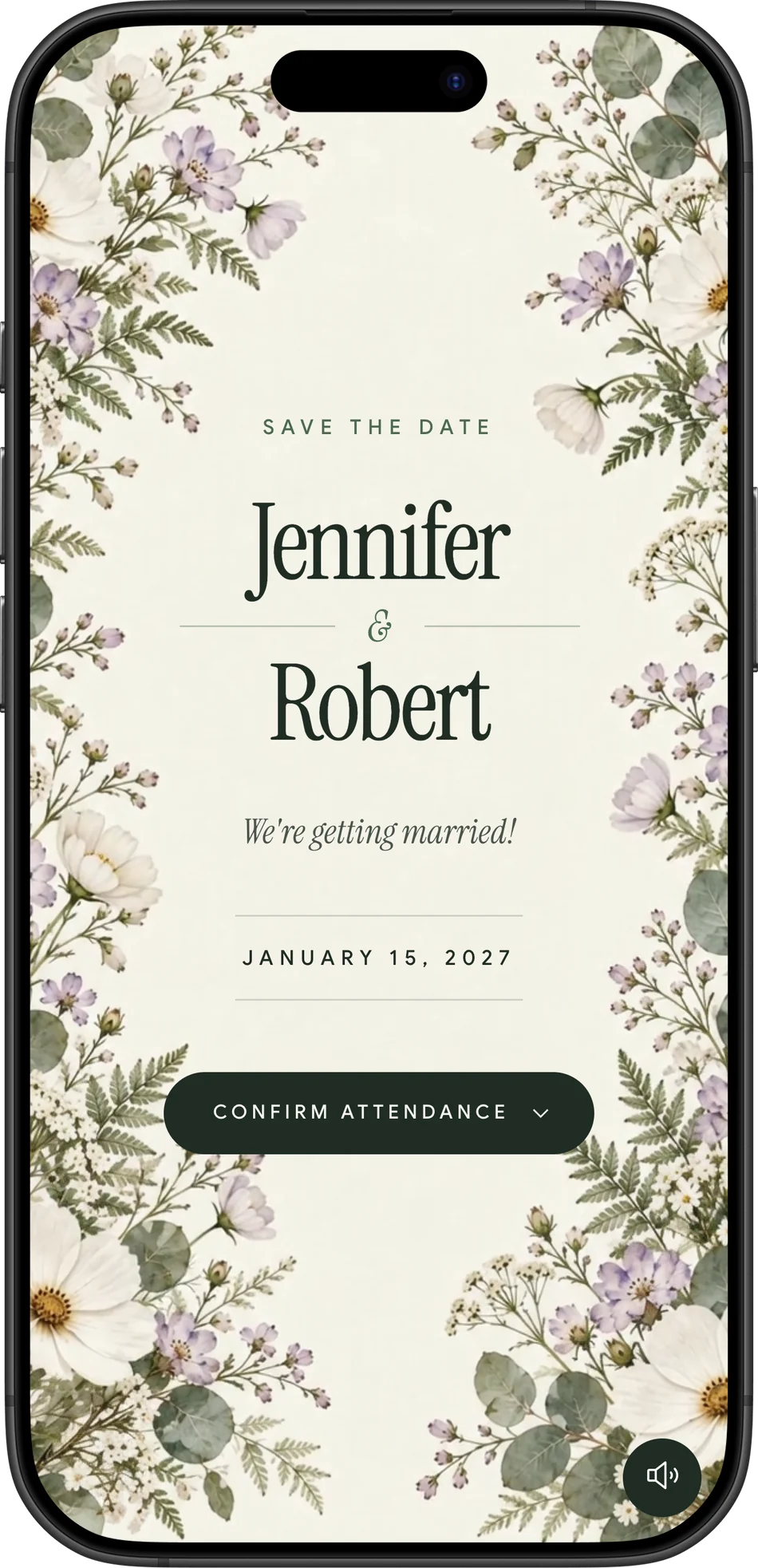
New Herbarium
Pressed wildflowers on soft ivory, tied with a ribbon.
- Sage
- Rose
- Lavender
Choose an animated design that feels like your wedding. Share one link by WhatsApp, email, or text and keep every RSVP in one guest list.
See what your guests will openThemes
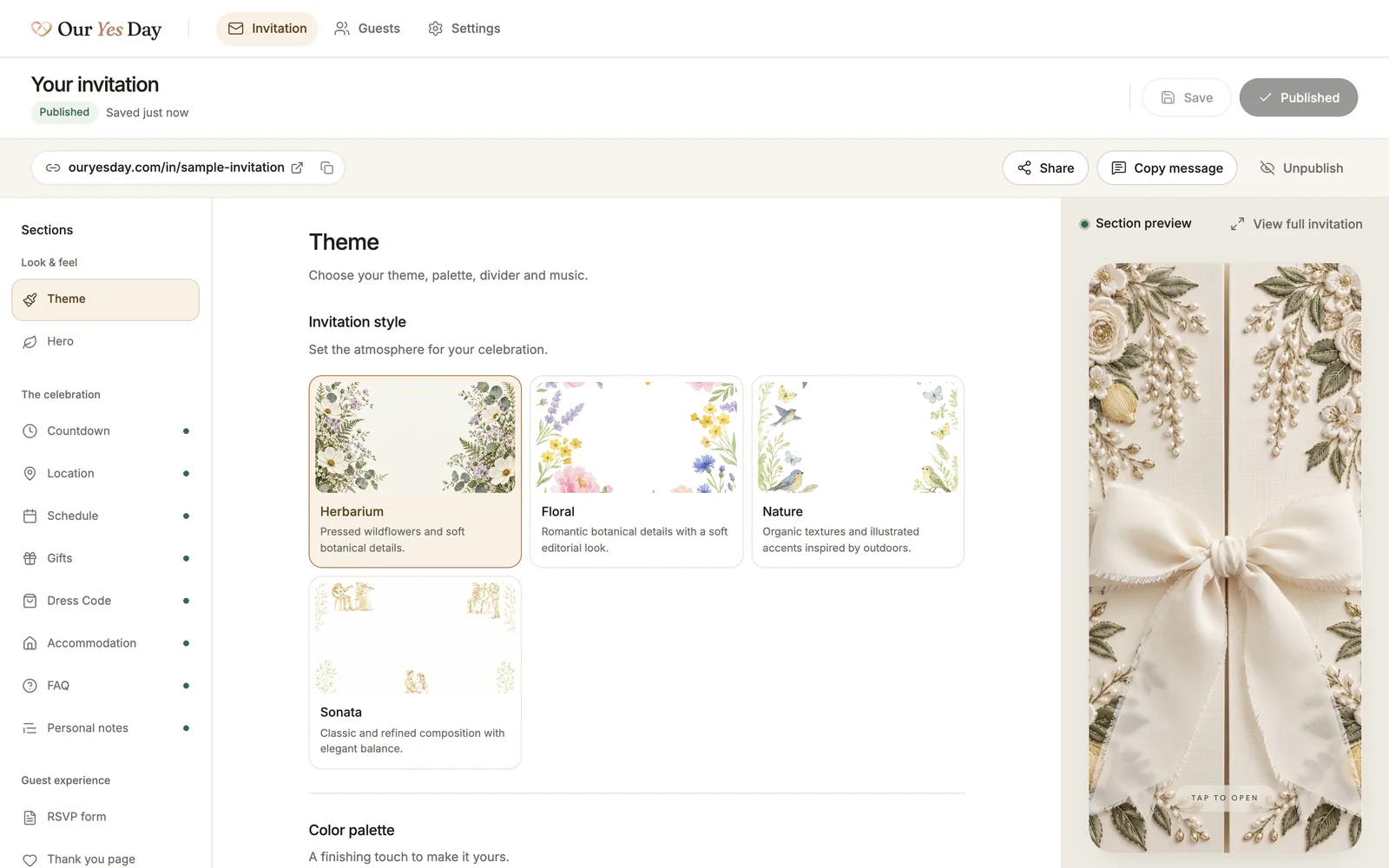
From the envelope opening to the colors inside, each theme sets the tone for your day. Preview a design before making it yours.
New Pressed wildflowers on soft ivory, tied with a ribbon.

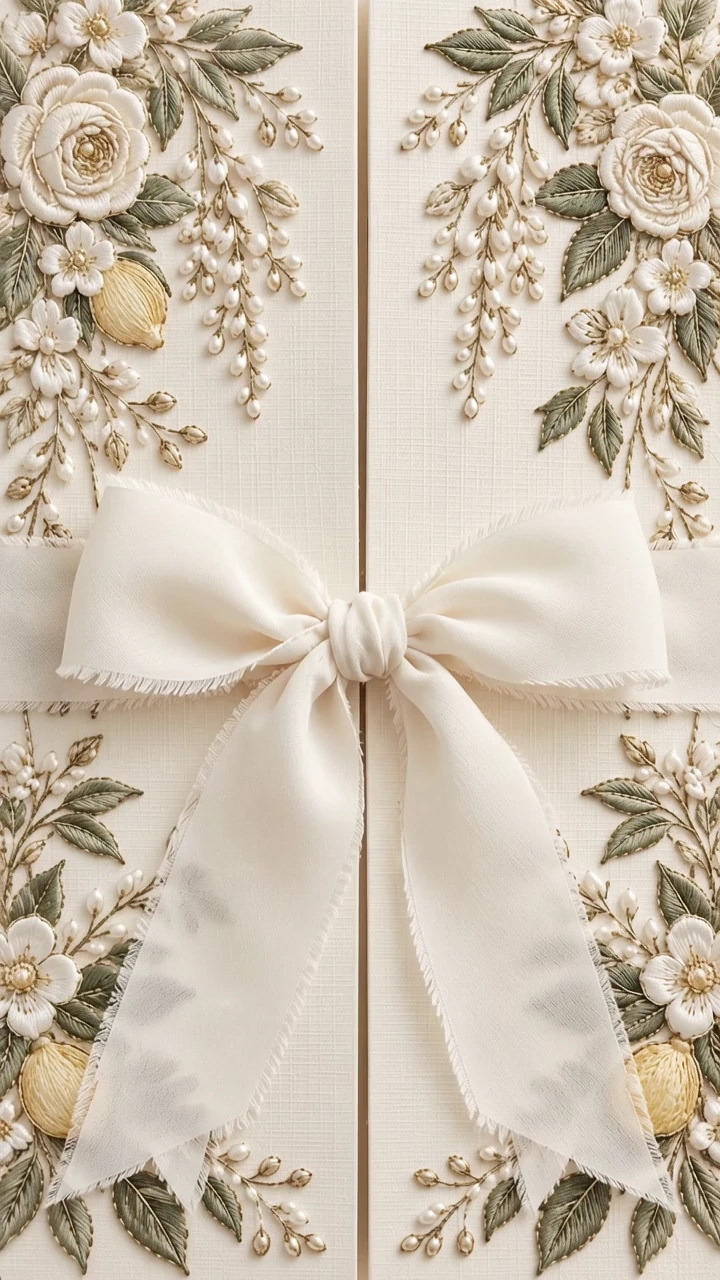
Watercolor blooms for a wedding full of romance.

Garden birds and leafy borders for a countryside wedding.
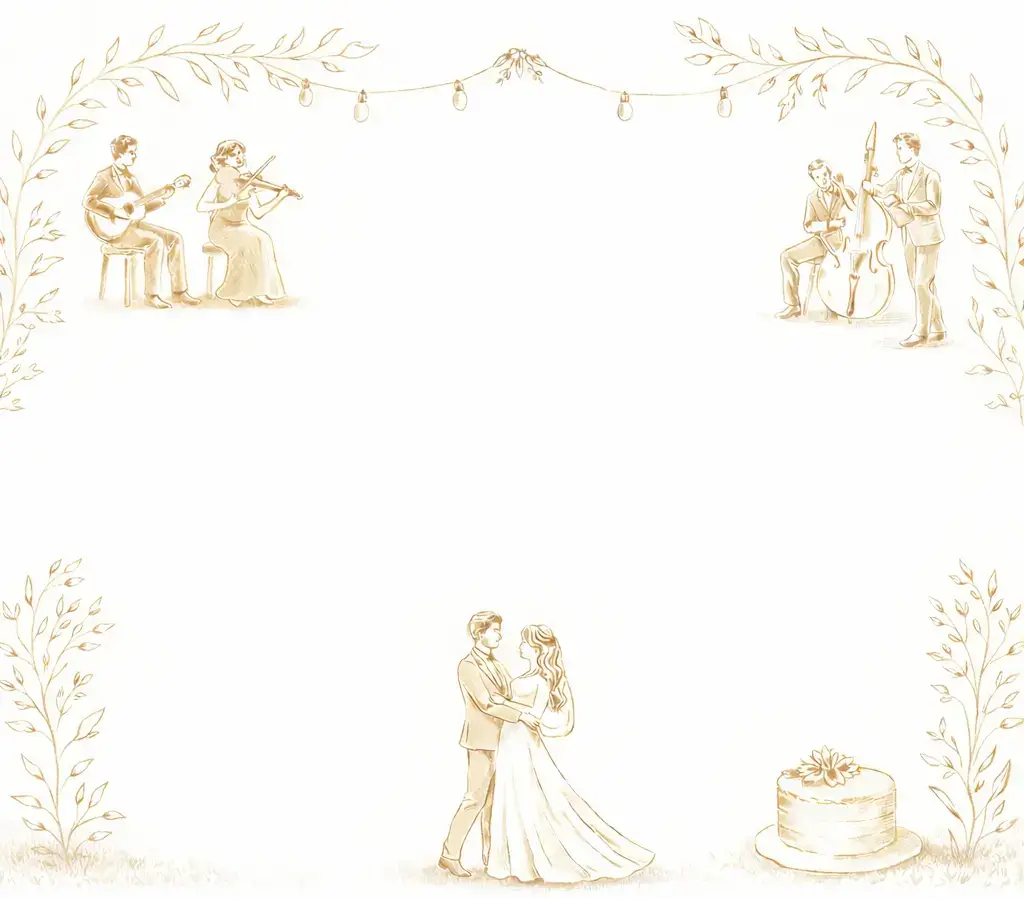
Musicians, fine lines, and a classic sense of occasion.
How it works
Choose a theme and color palette. Your envelope opening, typography, and invitation details share the same look.
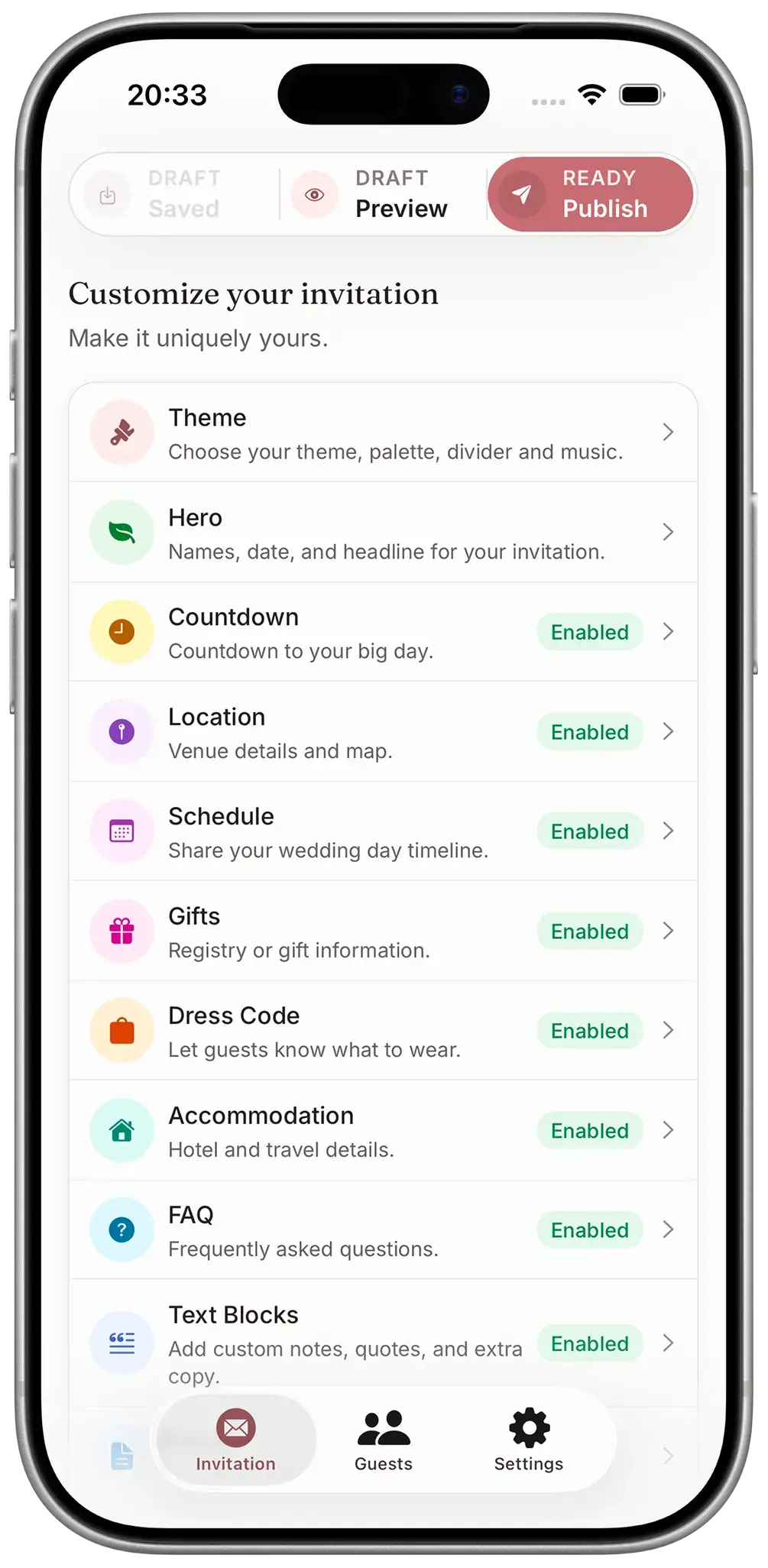
Browse all themesAdd your names, wedding details, and RSVP questions. Check the live preview as you go, and keep editing until it feels right.
Open a live invitationSend your published invitation by WhatsApp, email, or text. Guests can reply without downloading an app. Their replies go straight to your private guest list.
See how replies are organizedFeatures
Welcome guests with an animated opening and your chosen music. A countdown builds excitement for the day.
Give guests the time and place for each part of your celebration, from the ceremony to the last dance.
Share venue addresses and map links. Guests can save the date to their calendar from the invitation.
Show guests what to wear, with attire guidance and colors that suit your wedding.
Recommend places to stay, with addresses and notes to help guests plan their trip.
Keep registry links, gift ideas, or contribution details together in a dedicated section.
Add answers about parking, children, and timings so guests can check before they message you.
Add an optional access code and share it with the guests you invite.
Your guest list
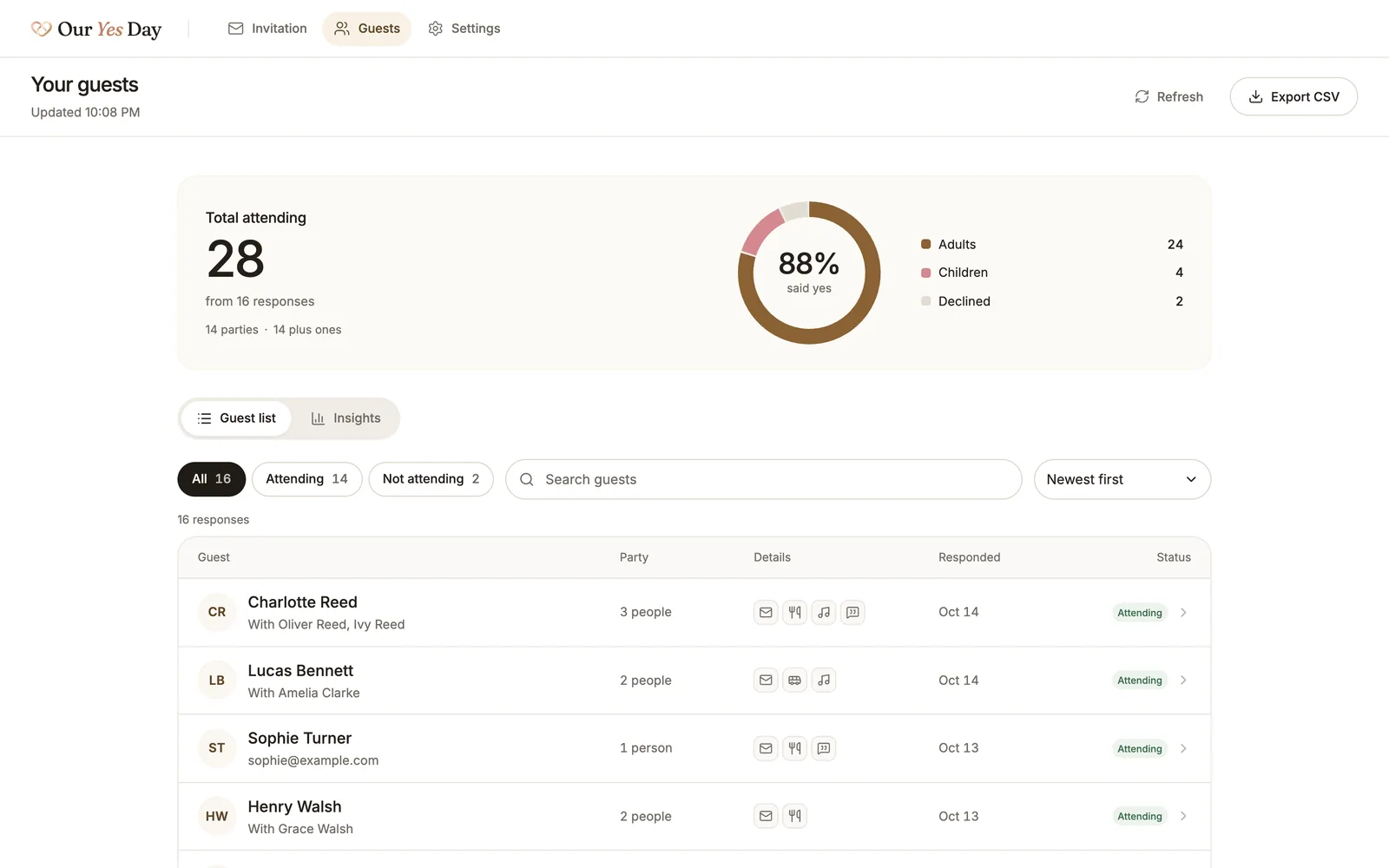
See attendance, plus-ones, and dietary needs in a guest list you can search and filter. Export the details when your venue needs them.
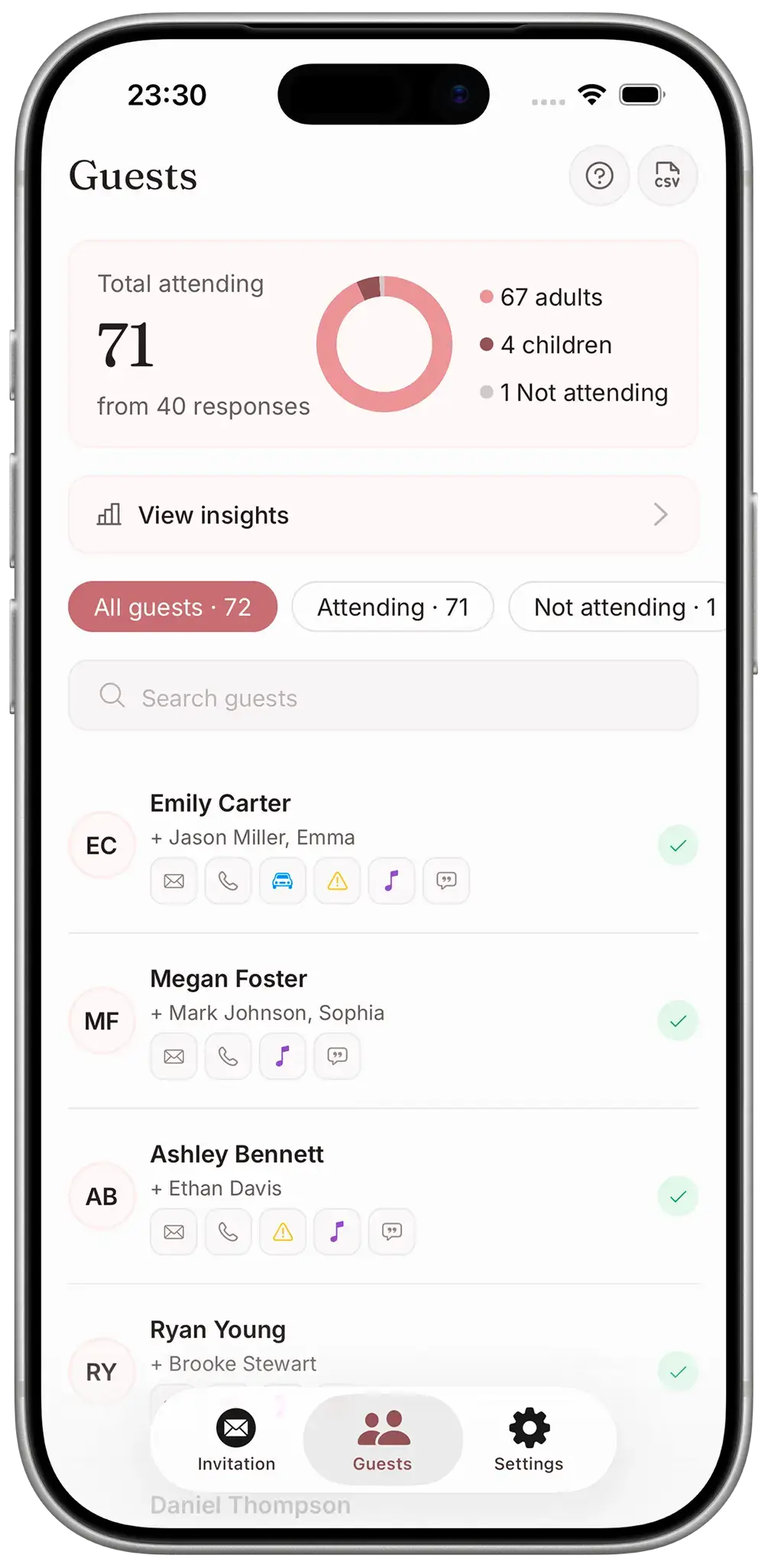
Any device
Create your invitation on Android, iPhone, tablet, or computer. Your design and guest list stay in sync with the iPhone app, too.
Web app
Open the web app in your browser to design your invitation and manage replies. Your draft is saved as you go.
Start designing freeiPhone app
Design in the iPhone app, share your invitation from your phone, and check replies while you are out.

Already have an account? Sign in
Pricing
Take your time choosing a theme and making it yours. One payment publishes your invitation and includes every guest, every RSVP, and future edits.
Your invitation, ready to share
$49.99 one-time payment
Pay when you are ready to share. Prefer iPhone? Get the app.
Try the themes and preview your full invitation for free. Pay when you decide to publish.
Protect your invitation with an optional access code for your guests.
Change a time or venue and publish the update. Your invitation keeps the same link.
Invite as many guests as you like. Your one-time payment stays the same as your guest list grows.
Wedding invitation FAQs
Something else on your mind? Write to support@ouryesday.com.
Yes. Choose a theme, add your details, and preview your full invitation for free. Publishing costs $49.99 once and includes unlimited guests and edits after sharing.
You can start with your names and a theme, then add your schedule, venues, and other details as you plan. Preview everything before publishing.
Yes. Open the web app in a modern browser on your Android phone to design your invitation and manage RSVPs. You can start in your browser without installing an app.
Yes. Sign in with the same account in the web app or iPhone app to access your invitation and guest list. Start on your phone and keep editing on your computer.
Guests open your link in their browser and reply using the RSVP form on the invitation. They do not need to download an app or create an account.
Publishing is one payment of $49.99 for your invitation. There is no subscription or per-guest charge. All themes, RSVP tracking, and edits after sharing are included.
Yes. Edit your invitation and publish the changes whenever plans change. Guests see the latest details when they open the same link. Updates are included in your payment.
Yes. Turn on access-code protection and share the code with your guests. They will need it to open your invitation.
Your invitation stays online until you choose to unpublish it. You can keep the link as a keepsake after the wedding.
You can create your invitation in English, Arabic, Croatian, Czech, Danish, Dutch, Finnish, French, German, Greek, Hebrew, Hindi, Hungarian, Chinese, Indonesian, Italian, Japanese, Korean, Malay, Norwegian, Polish, Portuguese, Romanian, Russian, Slovak, Spanish, Swedish, Thai, Turkish, Ukrainian, Vietnamese, including the guest-facing RSVP form.
Wedding invitation articles
Invitations & guest planning
Send digital save the dates with a readable date, a clear location, and a contact plan for guests who need another format.
Invitations & guest planning
Choose a wedding invitation by comparing design, details, delivery, and replies with your own guest list and a complete budget.

Invitations & guest planning
Use original save the date examples for a local wedding, a destination trip, or a weekend celebration without asking for an early RSVP.