
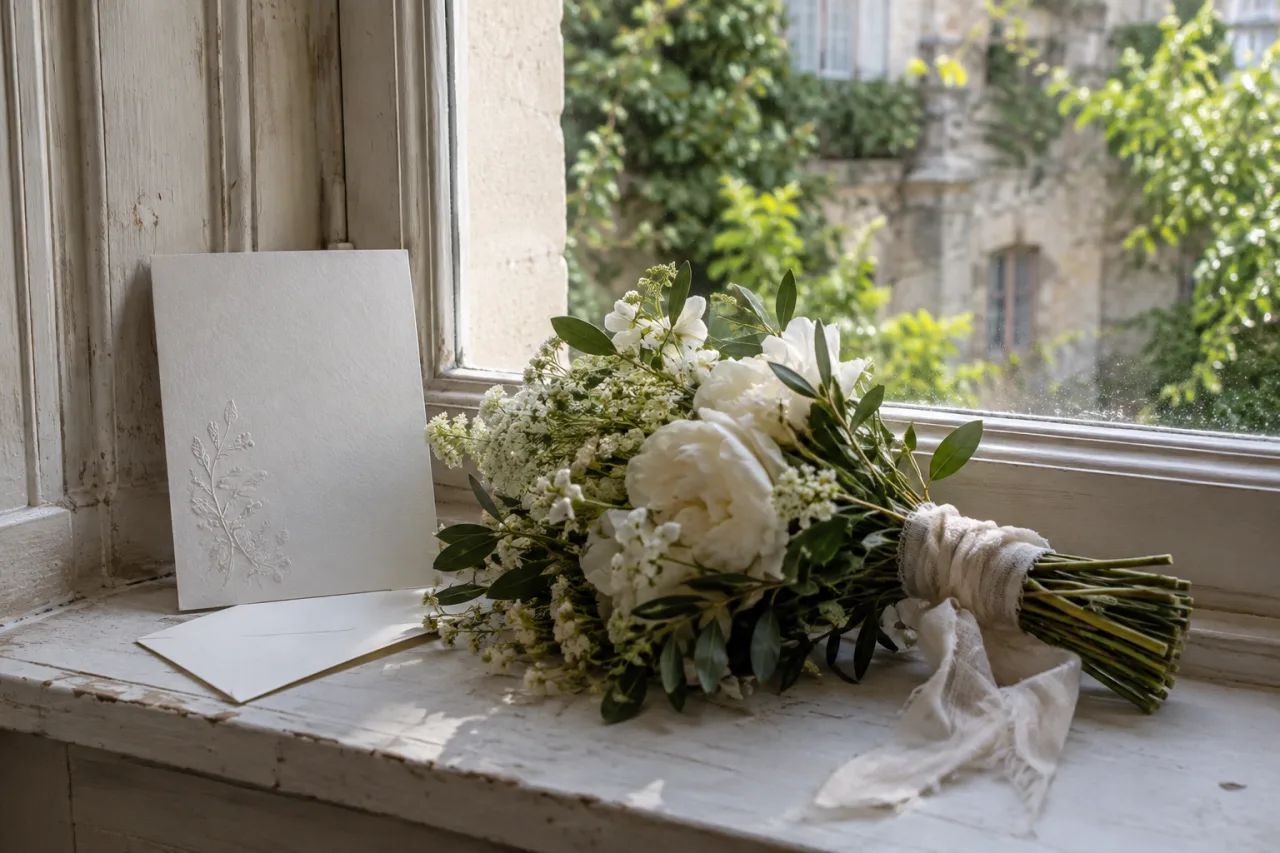
Send a digital save the date as a personal heads-up with a date guests can copy into their calendars. Include the city, your names, and a promise to send the full invitation later. An image alone can leave guests searching for the details.
You can send this early announcement by email or a private message. Choose a channel you know that household uses.
Keep the essentials in text
Repeat the wedding date in the message even if you include a photograph or designed card. Write the month in words to avoid confusion between day-first and month-first formats.
Add the country if guests live abroad. “Our wedding in Valencia” gives a traveller more useful information than a venue name they have not encountered before.
For example:
Hi [names], please save [day, month, year] for our wedding in [city, country]. We will send your invitation with the schedule later. With love, [couple’s names].
Keep tentative plans out of the announcement. Guests may act on the information before you get a chance to correct it.
Send to the people you intend to invite
Check your list before sending a batch of messages. Count the people in each household, including any children or plus-ones you intend to welcome.
Use private messages if a group chat would reveal guests’ contact details. A guest who replies in a group may also assume the other group members have the same invitation.
Record the sending date and delivery problems. A read indicator can suggest someone opened a message; it does not confirm that they understood the details or plan to attend.
Help guests keep the announcement
Ask one friend to open the message on a small screen. Confirm that they can read the names and date without zooming into an image.
Offer a printed note or a phone call to guests who prefer another format. You can still collect their final answers in your main guest list.
Keep the sending account active until the wedding. Guests may return to the original message with questions.
Prepare the full invitation separately
A save the date does not need the whole wedding schedule. Send the formal invitation after you can confirm the event details and request a useful RSVP.
The Our Yes Day app supports a wedding invitation with venue information and replies. Explore the demo to see that fuller guest experience. Use your early announcement to give notice, then share the finished invitation when guests can act on it.